












Professional-Grade AI Video Enhancement. Perfected.

Enhance and restore videos with unseen quality using proprietary AI video filters designed for video professionals.

Trusted by more than 2 million users

  • Meta logo
  • Revolut logo
  • BBC logo
  • Adobe logo
  • Sky logo
  • Lush logo
  • Kapwing logo
  • BBDO logo
  • Associated Press logo
  • CNN logo
  • Cambridge University logo
  • L'Oreal logo
  • CERN logo
  • Autoreel logo

See how TensorPix helped our customers

pro.ba

Is AI the future of TV production or a threat to creativity? As the entertainment industry wrestles with the rise of AI, one mystery series is proving that AI can enhance, not replace, artistic vision. Discover how TensorPix AI helped bring decades-old film footage back to life for the highly anticipated show Komar, and why this might signal a turning point for AI’s role in post-production.

Read Use Case

What can TensorPix do for your business?

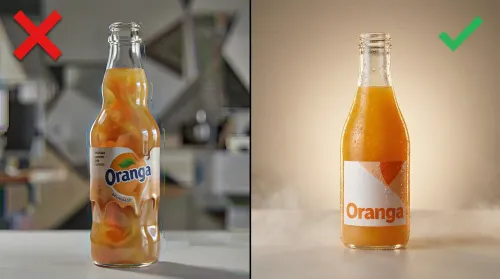
Upscale & Enhance

Improve your video post-production workflow with advanced video restoration processes. Enhance all video formats, from SD to Full HD, or Full HD to 4K.

Remove blur and artifacts, even on low-resolution videos, ensuring a seamless experience for video professionals. And much more!


Proprietary AI Filters

Address all known video issues regardless of the resolution. All AI filters support fast queues and other priority processing options depending on your workflow.

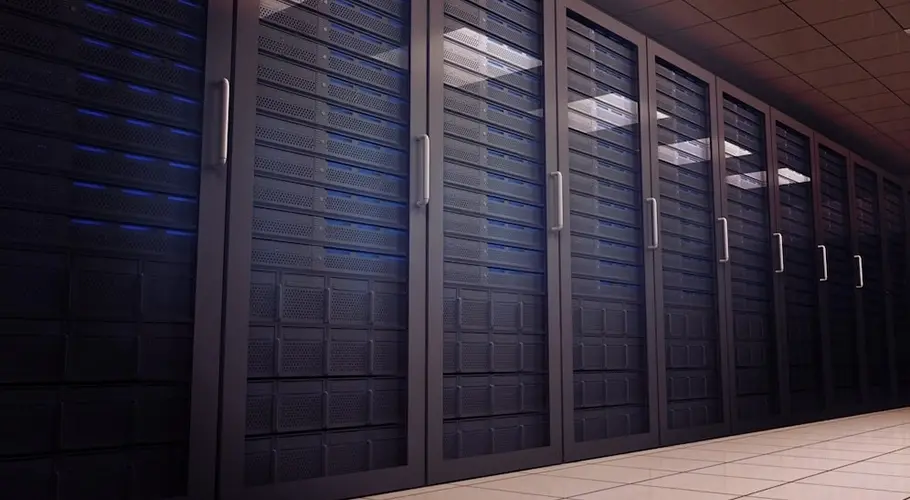
Run on-premise or in-cloud

Enhance videos in a completely secure and decentralized environment. We support both on-premise and in-cloud execution.

Easily distribute the workload across many servers for efficient processing. Enhancing hundreds of videos at the same time is no problem for TensorPix.

server rack room

Speed meets precision. Faster Video Processing.

No matter the original quality of your video, video processing results are delivered almost instantly.

A one-minute video is typically processed in just 5 minutes, ensuring your video post-production process stays on schedule.

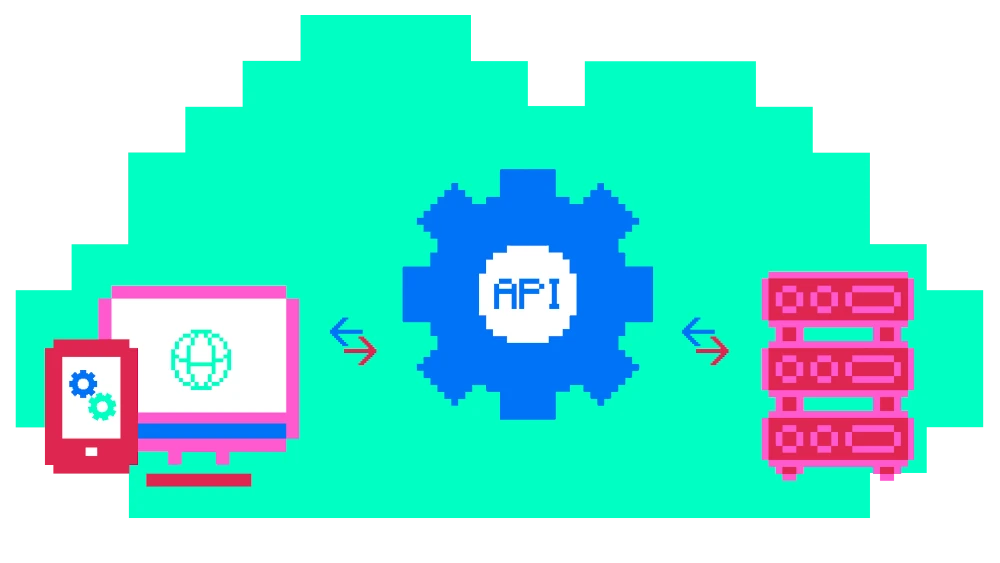
API Integration

Your clients deserve the best of the best. Give them an option to enhance videos and images to top notch quality.

Integrate all TensorPix products within your favorite professional editing tools using REST API. Maintain the momentum of your workflow!

illustration depicting integration into other products

Restore & Enhance Videos Instantly with One Click.
AI-Powered Precision at Your Fingertips.

No need for running locally. Use lightning-fast AI enhancement infrastructure while keeping full ownership using acclaimed security standards!

Elevate Your Workflow With AI-Powered Precision

Explore our latest articles on optimizing your workflow and elevating the post-production process using AI-driven video enhancement.

Frequently Asked Questions

  • How fast is the restoration process?
    While the processing speed largely depends on the input file parameters such as resolution, framerate, and duration, you can expect the following.
    A minute of SD video will take 5-10 minutes to enhance. A minute of HD video will take 10-20 minutes to enhance.
  • Do you claim any copyrights on the uploaded or enhanced videos or images?
    We don't claim any copyrights on uploaded or on enhanced videos and images. You can delete your files at any time. When you delete a file, we completely delete it from our servers.
  • Is my data safe and who can see my data?
    We have implemented rigorous technical and organizational security policies to protect your data. This includes, but it's not limited to:
    • Using military grade 256-bit AES encryption algorithm for all data stored on our servers
    • Using long and random passwords for all access points
    • Using 2 Factor Authentication where applicable
    • Hashing all user account passwords
    • Regularly updating all our systems in order to avoid software exploits and hacks
    • Always giving users an option to delete ALL their data
    • Automatically deleting any unnecessary data such as temporary files
    • Restricting user data access to minimum number of authorized personel
    • Educating all employees about best security and privacy practices
    Your data is never intentionally shared with other entities inside, or outside of our organization.
  • Which input video formats are supported?
    We support all popular video containers: mp4, mov, avi, mxf, mkv... Popular video codecs are also supported: H264, H265, Apple ProRes, DNxHD VP9, AV1, Xvid, MPEG-2, MPEG-4...
  • Which output video formats are supported?
    We support H264 and H265 codecs in mov, mp4, and mkv containers as output formats.
  • How does your tool compare to Topaz Labs?
    The biggest difference is that Topaz Labs is an offline software that you install on your computer, while TensorPix can be used through web browser.

    Because Topaz runs on your PC, it uses your hardware to process files. This becomes problematic if your PC isn't quite high-end (and most users don't have high-end computers). You can still use Topaz with a less powerful computer, but the processing speed will be heavily impaired, meaning you could wait for tens of hours for enhancing a mere couple of seconds of video.

    On the other side, TensorPix sends all processing to cloud which has access to powerful GPU hardware. This way, every TensorPix user has access to high-end hardware and doesn't have to worry about their computer being too slow.

    Using cloud resources has another benefit. Cloud resources can be easily scaled meaning you can process multiple videos/images at once, without worrying if your computer can handle it. You can't do that with Topaz as processing ONE video or image will utilize nearly 100% of your computer’s processing power.
  • How much of a quality improvement can I expect?
    The rule of thumb is - the better the quality aspect you're trying to fix in the source, the better the enhancement. E.g. if the source has severe compresssion artifacts that obscure a lot of details, it's hard to expect much improvement.

    However, if the source only has moderate or low artifacting, the end result would be much better as it's easier to fix minor artifacts than heavy ones. The best thing is try enhancing a sample and see how it turns out (this is why we have Free Previews for videos).