












Enhance video call recordings

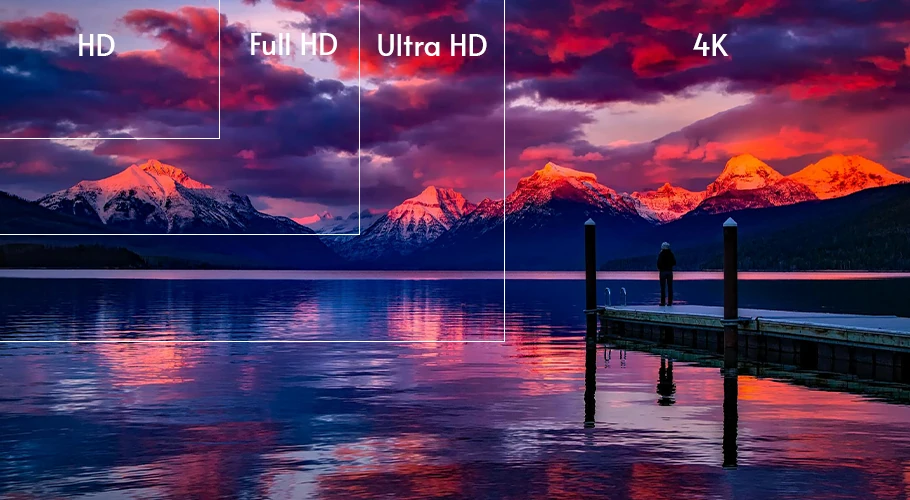
Enhance video call recordings by transforming blurry, low-res chats into crisp 1080p with AI.

No credit card required
|
Trustpilot logo
Rated 4.5/5

Trusted by more than 2 million users

Meta logo
Revolut logo
BBC logo
Adobe logo
Sky logo
Lush logo
Kapwing logo
BBDO logo
Associated Press logo
CNN logo
Cambridge University logo
L'Oreal logo
CERN logo
Autoreel logo

Professional look any time

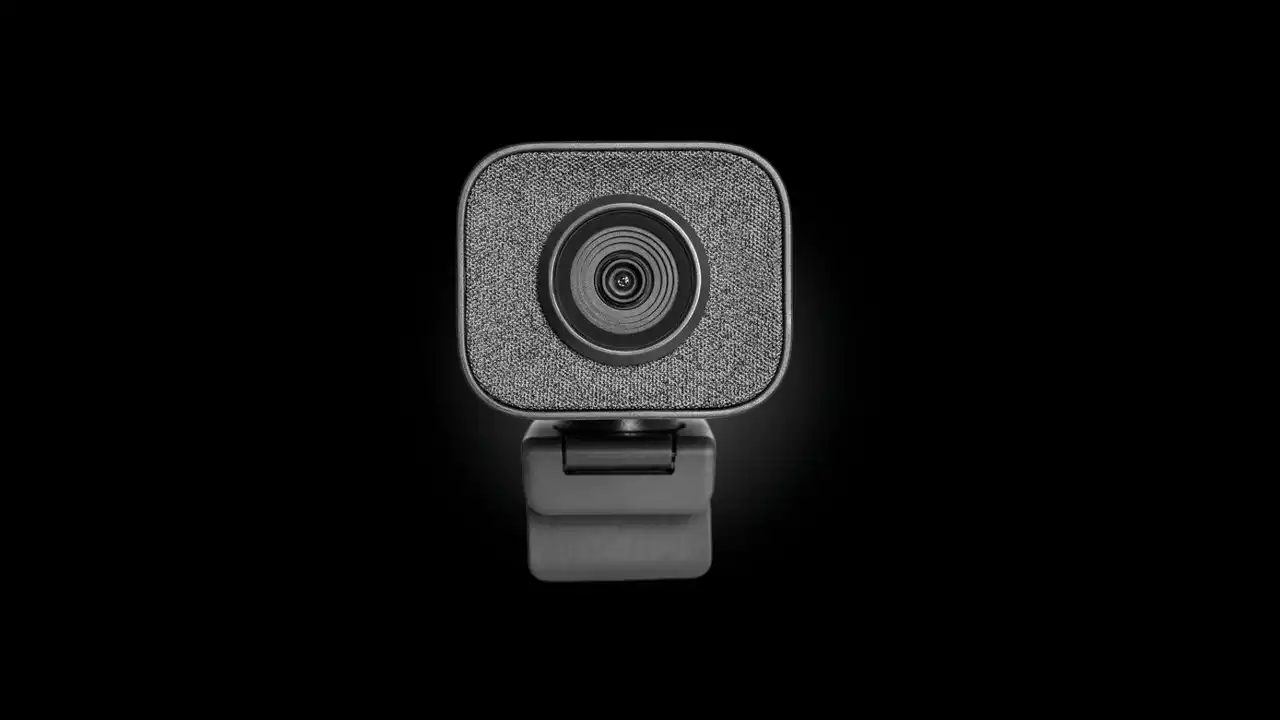
Your hair looks good, your makeup is on point, you’ve spent an hour to pick a good outfit... and all goes to waste because of your poor quality web camera.

You can fix this with a few clicks. Open our AI Video Enhancer and convert your video calls to 1080p format full of details.
Before
After

Save Money on Expensive cameras

High quality webcams can cost over $300. That’s a lot of money if you only need a few good shots.

With TensorPix you can start for as little as $5. You can always enhance a short video segment for free to see how the result will look like. Your video chats can finally look high-end without the high-end and expensive gear.

Feature image

Boost Engagement

Viewers always prefer high-quality videos. Enhance your video calls and watch the engagement metrics rise through the roof!

TensorPix can upscale and enhance any kind of upper body video. It’s perfect for podcasts, zoom meetings, online interviews, online lectures... Don’t settle for less and give your viewers quality they deserve.

Enhance Video Calls?

How to icon

1 - Upload your video calls

Select any video on your computer or phone and upload it to TensorPix.
How to icon

2 - Select AI filters

After uploading, select one or more of the AI filters. Each filter can fix specific quality problem.
How to icon

3 - Enhance!

Click enhance, wait for the video enhancing to finish and download your video.
No credit card required
|
Trustpilot logo
Rated 4.5/5

Frequently Asked Questions

How do I enhance video call videos?

expand icon

Does it work on Zoom or Microsoft Teams video calls?

expand icon

How fast does it work?

expand icon

Is there are limit on video duration?

expand icon

Which video formats are supported?

expand icon

Do you have a real-time integration with popular video call tools?

expand icon

Check out more use cases

Photo demonstrating a use case

Enhance Video Chat Recordings

Forget noisy, blurry and low resolution video calls. Create high quality webcam recordings with any laptop camera.

Photo demonstrating a use case

Meet Latest Quality Standards

Convert any SD footage to HD or even 4K. Prepare your images and videos for the newest displays and TVs.

Photo demonstrating a use case

Upscale & Enhance Old Videos and Images

Restore details and remove artifacts, blur and noise. Make your old videos and images look like new.

Photo demonstrating a use case

Interpolate low FPS videos with AI

Goodbye choppy, low-quality video playback. Transform low FPS videos into 60 FPS, silky smooth footage

Photo demonstrating a use case

Unblur Videos Online

Turn blurry footage into stunning clarity with our AI technology. Enhance every detail of your video, from action shots to personal memories, effortlessly and affordably.

Photo demonstrating a use case

Stabilize Shaky Videos

Convert shaky footage into smooth, professional-quality video. Eliminate camera wobble and achieve consistently clear results.

Photo demonstrating a use case

Denoise Videos

Remove various forms of noise from videos. Perfect for noisy night shots or low-light videos.

Photo demonstrating a use case

Upscale and Enhance AI Generated videos

Enhance AI Video quality in less than 3 minutes. Upscale up to 4K and make your videos stand out among others.

Read the latest blog posts

See what users say about us

icon of 5 star review

I've been using the program for couple of months and I am truly amazed from the results. Among other webpages or programs, the results of my videos are impeccable. Amazing Job, keep it up guys and Thank you for everything!!!

product review author profile picture
Georgi Banchev
icon of 5 star review

I have used the color restore and AI stabilization on a few dance videos for social media and I am really happy with the results, I uploaded 4K video so it takes a bit of time, but I like that they send me an email and enhance in the background so that I don't have to wait around.

product review author profile picture
Tanya Ariana Bendis
icon of 5 star review

It’s a great tool for increasing resolution and upscaling, especially for those without the necessary hardware. Since AI training and model usage can be prohibitively expensive for most, packaged online tools like TensorPix Enterprise offer a cost-effective and accessible solution. It’s a great option for anyone looking for a simple and straightforward way to use AI video enhancers without prior experience!

product review author profile picture
Zeng Chao
FX Artist at Ants Animation Studios
icon of 5 star review

Fantastic AI video upscaler with easy to use UI! Significantly better results than with Topaz and am able to process multiple videos at once, resulting in major time savings. A life saver.

product review author profile picture
Anne Spalter

Explore more Products from TensorPix

product icon

AI Video Quality Enhancer

Upscale videos up to 4K and enhance overall quality. 100% online and easy to use.

Enhance Videos
product icon

TensorShots

Write, generate, and edit complete ad videos in one AI tool. From script to final cut, 3x faster.

Create Videos
product icon

Online Video Compressor

Reduce video file size without compromising quality. Save disk space, send, and upload videos faster.

Compress Videos
product icon

4K AI Video Generator

Turn your ideas into 4K videos from text and image inputs using simple prompts. No technical expertise needed.

Explore Now
product icon

Upscale and Enhance API

Add Video Enhancing into your app or product via API Integration.

Tell me More
product icon

AI Image Generator

Generate photos, artwork, illustrations from text descriptions in 4K. Edit images with simple prompts.

Generate Now
PhotoPhoto
PhotoPhoto

Ready to enhance your content?

Step into the future of video & image enhancing