












Most teams already have the raw material for video content. TensorShots helps you combine existing photos, clips, descriptions, and brand assets into a usable first draft, so you can create social media videos faster instead of rebuilding every post by hand.
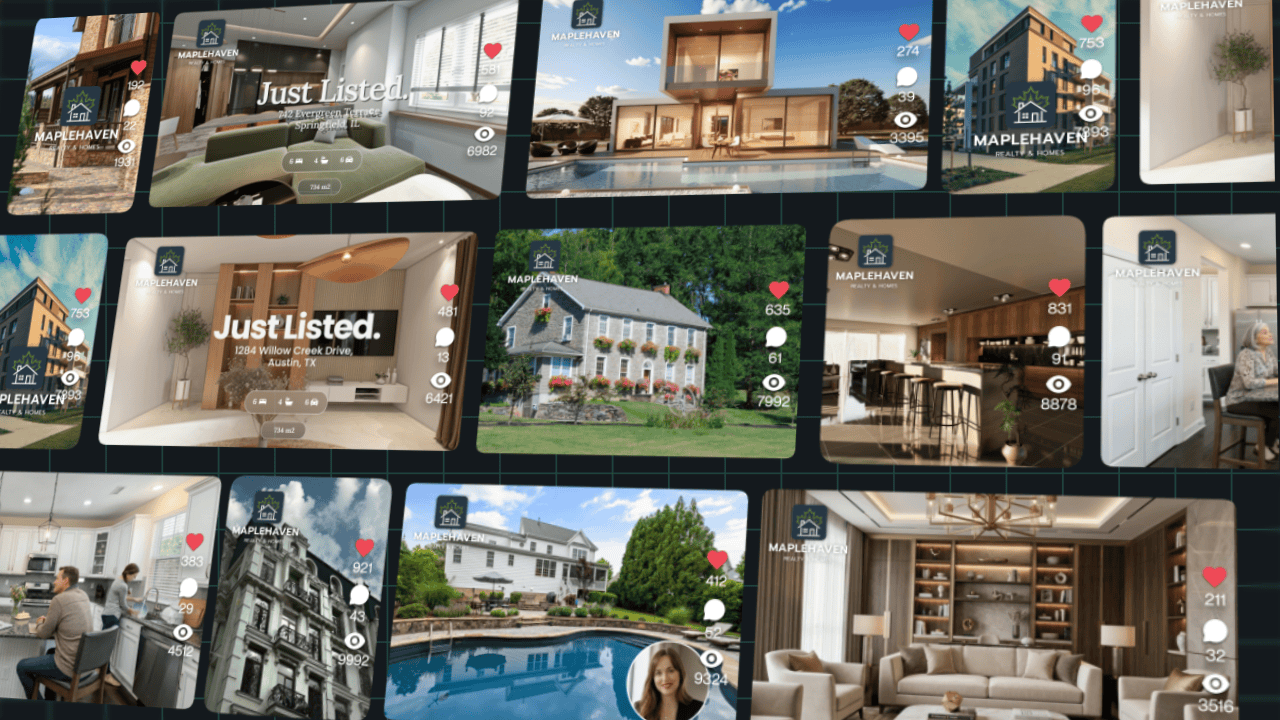
Videos Created with TensorShots
Save time creating social videos
TensorShots is built for practical video marketing workflows. You upload what you have, choose a format, and get a structured draft with visuals, text, captions, voiceover, and timing already in place. That removes hours of repetitive setup from making video content for social media.
Edit short videos with simple controls
You do not need advanced editing skills to create engaging short videos for social media. Review each shot, update text, swap visuals, adjust voiceover, refine captions, and polish the draft with simple controls instead of learning a complex timeline editor.
Build repeatable social media video workflows
If your team needs videos for social media every week, consistency matters as much as speed. TensorShots gives you repeatable workflows and reusable formats, so you can make social media videos more often, create multiple variants, and keep your content calendar active with less manual work.
Built for small teams doing video marketing in-house
TensorShots is a social media video creator for operators, marketers, assistants, and owners who need results without hiring a full production team. It helps small businesses create video content for social media with guided workflows, strong defaults, and a lighter editing workload.

Frequently Asked Questions
What is TensorShots?
Who is TensorShots best for?
Do I need video editing experience?
How is TensorShots different from a regular video editor?
What kind of videos can I make?
Can I still edit the result?
What are workflows?
Do I need to know prompt engineering?
Can I try it before paying?
Which AI models do you use?
Is my content private and secure?
See what users say about us
I have used the color restore and AI stabilization on a few dance videos for social media and I am really happy with the results, I uploaded 4K video so it takes a bit of time, but I like that they send me an email and enhance in the background so that I don't have to wait around.

It’s a great tool for increasing resolution and upscaling, especially for those without the necessary hardware. Since AI training and model usage can be prohibitively expensive for most, packaged online tools like TensorPix Enterprise offer a cost-effective and accessible solution. It’s a great option for anyone looking for a simple and straightforward way to use AI video enhancers without prior experience!

Fantastic AI video upscaler with easy to use UI! Significantly better results than with Topaz and am able to process multiple videos at once, resulting in major time savings. A life saver.

As AI evolves and improves, TensorPix will likely expand, offering even more sophisticated insights and analyses to filmmakers and studios like ours. For now, the power of TensorPix AI serves as a testament to the innovative ways technology can be utilized to strengthen the human experience and our connection to the stories we love. It allows us to enhance old looking films and show them to our audience in high quality with nearly to no artifacts. TensorPix is by far the best web-based video and photo enhancement service and is going to change the filmmaking world. Do yourself a favor and use it!