Stable motion without distortion
Generate smooth product showcases, influencer-style clips, and social ad visuals starting from a single image.
Generate stable videos from product photos, concept art, sketches, or moodboards with TensorShots. Get predictable motion, consistent characters, and clean visual output without the typical AI distortion.














Generate smooth product showcases, influencer-style clips, and social ad visuals starting from a single image.
Turn frames or illustrations into motion that respects angle, character consistency, and your intended visual style.
Start with clean reference frames, then direct composition, add camera and lights behavior. Finally, add sequence layout in TensorShots.
I have used the color restore and AI stabilization on a few dance videos for social media and I am really happy with the results, I uploaded 4K video so it takes a bit of time, but I like that they send me an email and enhance in the background so that I don't have to wait around.

It’s a great tool for increasing resolution and upscaling, especially for those without the necessary hardware. Since AI training and model usage can be prohibitively expensive for most, packaged online tools like TensorPix Enterprise offer a cost-effective and accessible solution. It’s a great option for anyone looking for a simple and straightforward way to use AI video enhancers without prior experience!

Fantastic AI video upscaler with easy to use UI! Significantly better results than with Topaz and am able to process multiple videos at once, resulting in major time savings. A life saver.

As AI evolves and improves, TensorPix will likely expand, offering even more sophisticated insights and analyses to filmmakers and studios like ours. For now, the power of TensorPix AI serves as a testament to the innovative ways technology can be utilized to strengthen the human experience and our connection to the stories we love. It allows us to enhance old looking films and show them to our audience in high quality with nearly to no artifacts. TensorPix is by far the best web-based video and photo enhancement service and is going to change the filmmaking world. Do yourself a favor and use it!

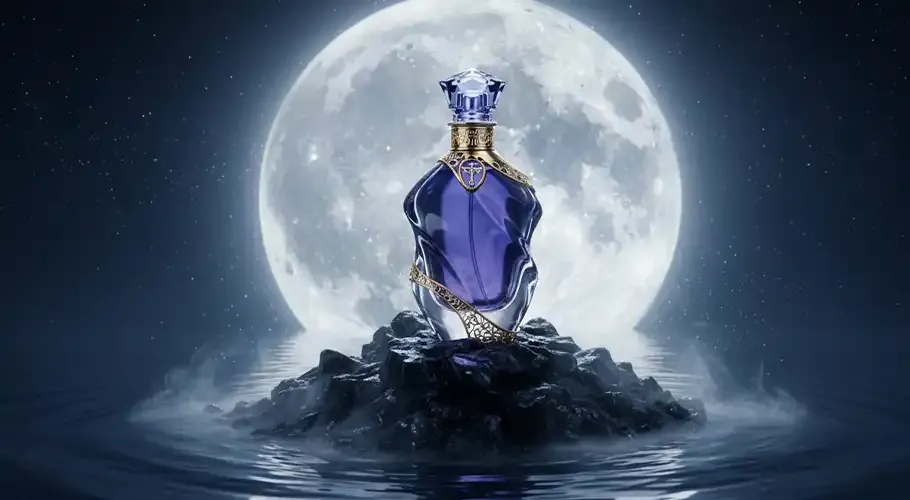
Use TensorShots to animate images into video while keeping framing, style, and structure intact. Ideal for creators who need predictable motion without AI randomness.
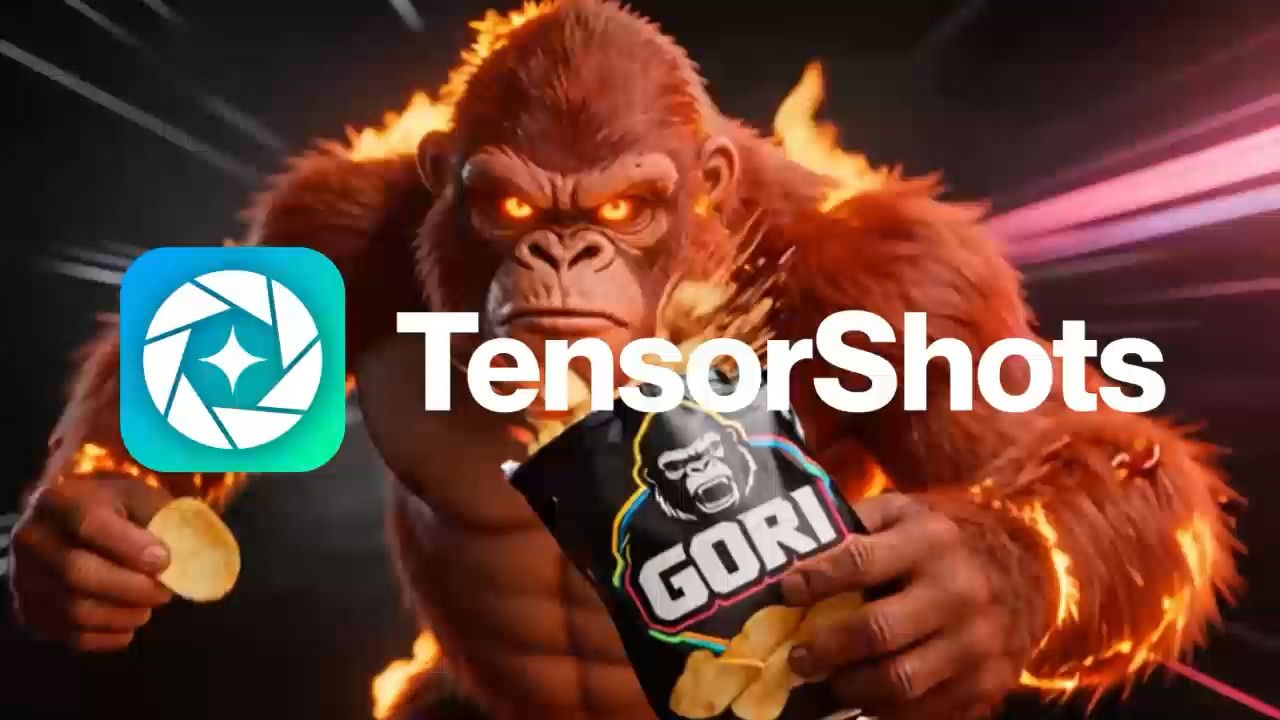
Generate native 4K video with clean detail, stable visuals, and predictable output. Built for ads, product visuals, and professional workflows that demand quality.
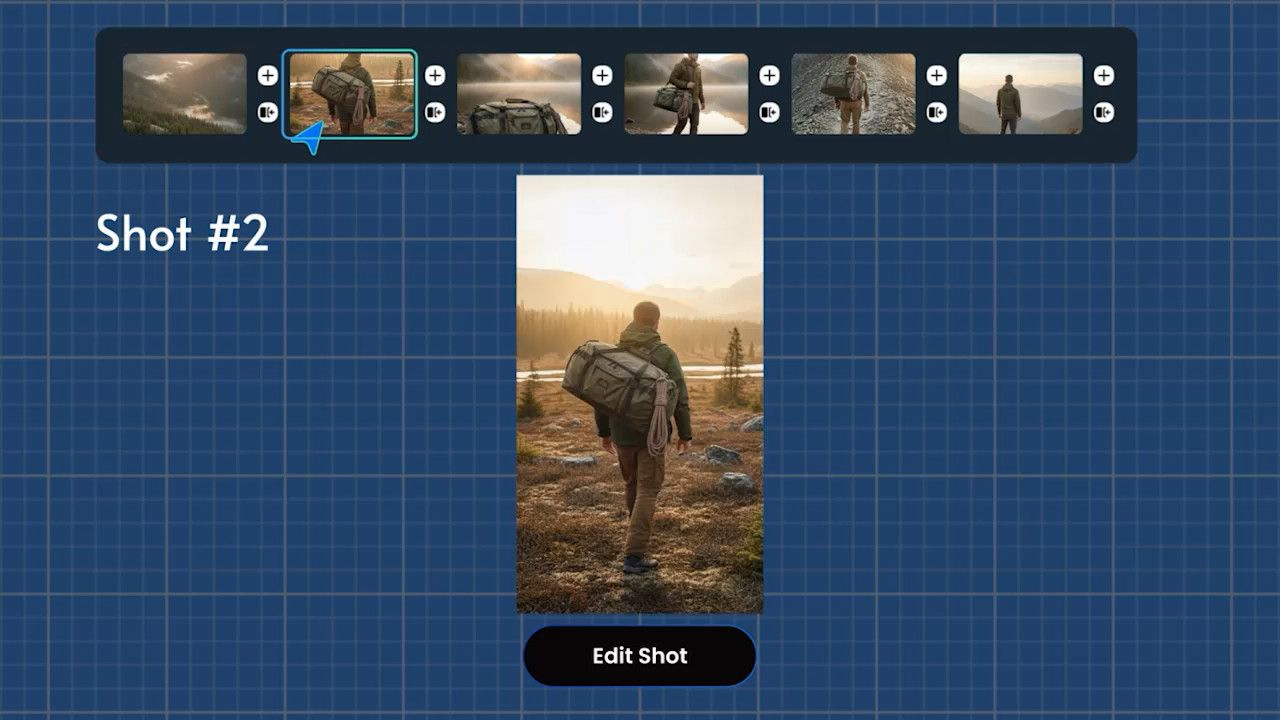
Use TensorShots as a visual workspace where ideas turn into structured video. Generate, refine, and control shots, scenes, and sequences without jumping between tools.

Use TensorShots to create clear, focused product demo videos. Highlight features, angles, and benefits with visuals that stay clean, consistent, and easy to understand.

Use TensorShots to generate ads and social content using pre-built templates designed for performance. Ideal for creators who want speed without losing control.

Generate stable, natural-looking product visuals for ecommerce, UGC ads, and social campaigns with TensorShots. No over-stylization, no drift, just sharp, consistent product imagery.
Upscale videos up to 4K and enhance video quality. 100% online and easy to use.
Enhance VideosTurn listing photos into polished real estate videos in 10 minutes. Get cinematic videos without touching a video editor.
Create Listing VideoAuto Social Media Video Creator. Turn photos, clips, listings, and brand assets into ready-to-edit short videos for social media.
Create VideosReduce video file size without compromising quality. Save disk space, send, and upload videos faster.
Compress VideosGenerate photos, artwork, illustrations from text descriptions in 4K. Edit images with simple prompts.
Generate NowTurn your ideas into 4K videos from text and image inputs using simple prompts. No technical expertise needed.
Generate VideosAdd video enhancing and upscaling into your app or product via API Integration.
Tell me More