












Import a script or brief and generate structured storyboards instantly. TensorShots builds shots that follow your narrative and maintain visual continuity.
Consistent characters and scenes
Avoid drifting faces, mismatched lighting, or unplanned style changes. TensorShots keeps characters, settings, and tone stable across every panel.
Camera angles you can actually control
Define shot types such as close-up, medium, wide, and maintain the same angles throughout the sequence. No unpredictable changes between panels.
Storyboard → shots in one workflow
Move directly from boards to motion inside TensorShots. No exporting, re-prompting, or rebuilding scenes from scratch.
Frequently Asked Questions
How does TensorShots generate storyboards from scripts?

Can I control camera angles during storyboard creation?
Does it maintain character consistency across panels?
Can I upload sketches or references to guide the storyboard?
Does TensorShots support editing individual storyboard panels?
Are exports suitable for client presentations?
Can I convert storyboards into animated previews?
Does it help with scene continuity?
Is TensorShots suitable for agencies and creative teams?
See what users say about us
I have used the color restore and AI stabilization on a few dance videos for social media and I am really happy with the results, I uploaded 4K video so it takes a bit of time, but I like that they send me an email and enhance in the background so that I don't have to wait around.

Tanya Ariana Bendis
Marketing Director
It’s a great tool for increasing resolution and upscaling, especially for those without the necessary hardware. Since AI training and model usage can be prohibitively expensive for most, packaged online tools like TensorPix Enterprise offer a cost-effective and accessible solution. It’s a great option for anyone looking for a simple and straightforward way to use AI video enhancers without prior experience!

Zeng Chao
FX Artist
Fantastic AI video upscaler with easy to use UI! Significantly better results than with Topaz and am able to process multiple videos at once, resulting in major time savings. A life saver.

Anne Spalter
Owner of Anne Spalter Studios
As AI evolves and improves, TensorPix will likely expand, offering even more sophisticated insights and analyses to filmmakers and studios like ours. For now, the power of TensorPix AI serves as a testament to the innovative ways technology can be utilized to strengthen the human experience and our connection to the stories we love. It allows us to enhance old looking films and show them to our audience in high quality with nearly to no artifacts. TensorPix is by far the best web-based video and photo enhancement service and is going to change the filmmaking world. Do yourself a favor and use it!

Matan Uziel
Executive Producer
Check out more use cases
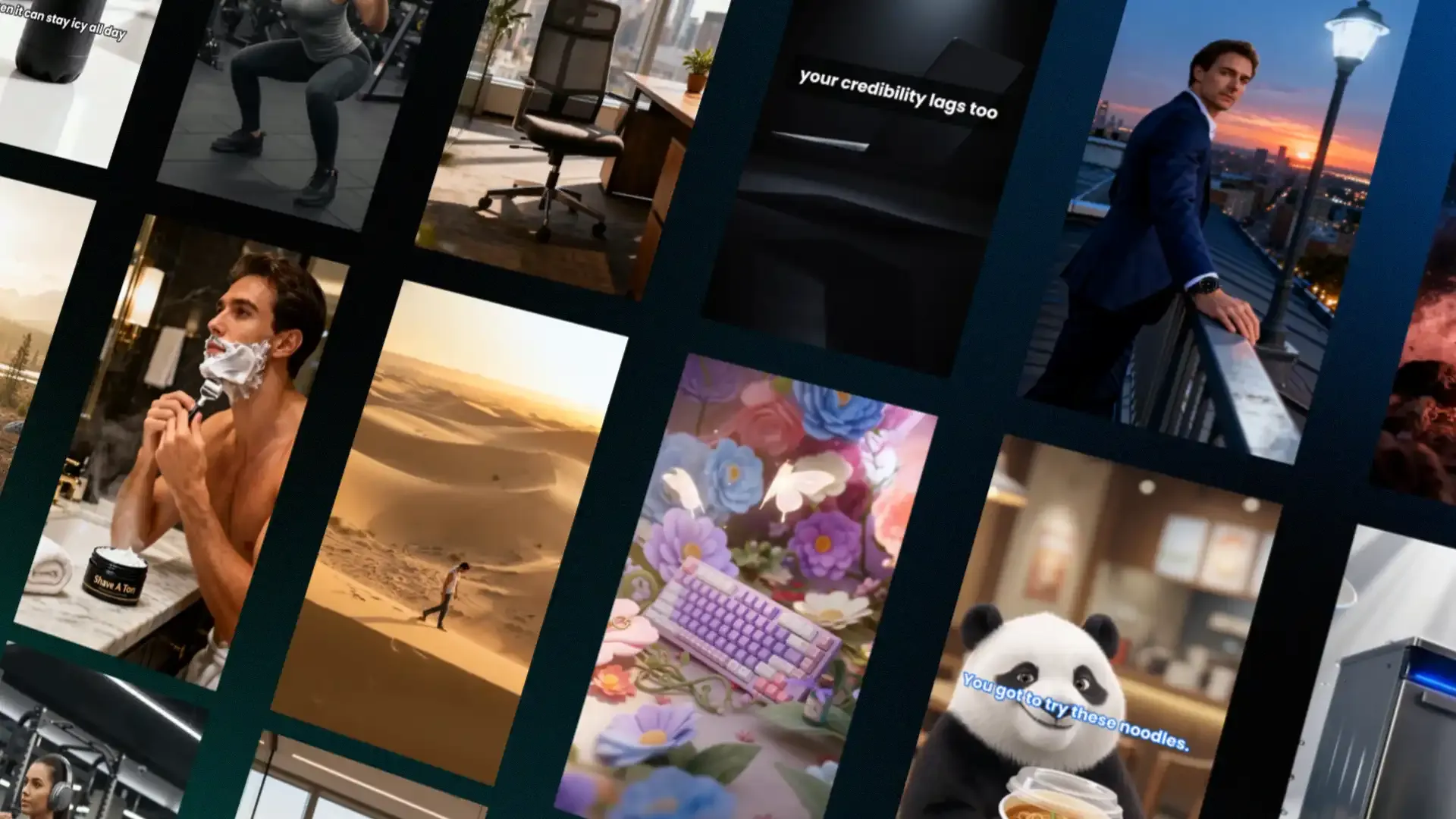
AI Storyboards That Stay Consistent
Turn scripts, sketches, or briefs into clean, predictable storyboards with TensorShots. Keep angles, characters, and visual style aligned from the first frame to the final sequence.
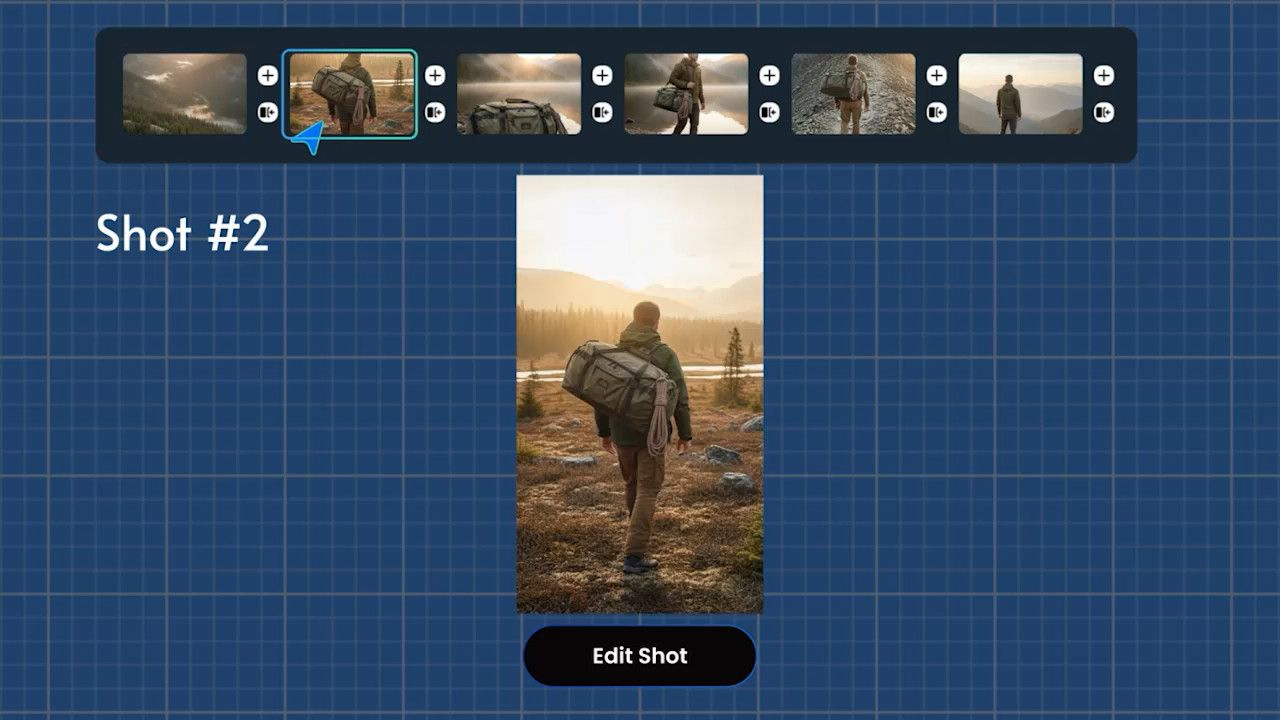
Turn Storyboards Into Motion — Fast and Consistent
Use TensorShots to animate storyboards into structured, stable video. Perfect for ads, UGC, product content, and pre-production workflows that need visual clarity.
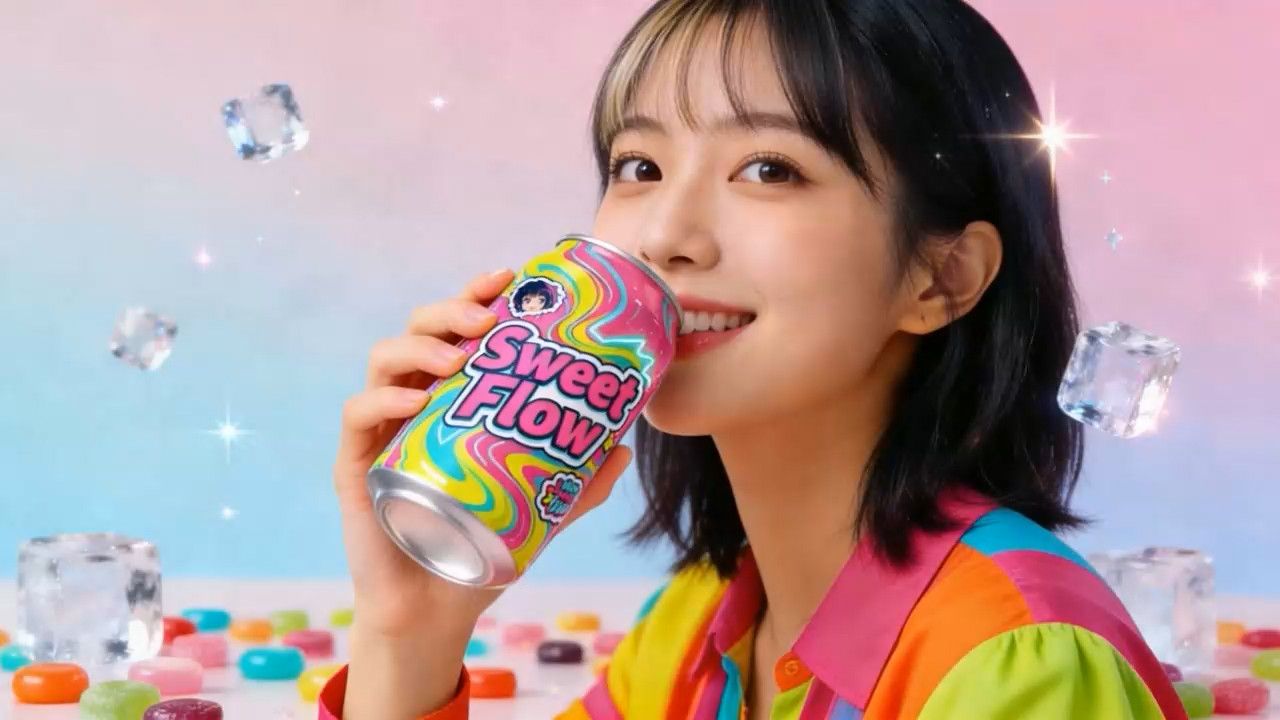
Consistent Shots. Predictable Sequences. Zero Drift.
Keep your characters, lighting, angles, and style stable across multi-scene ads and longer sequences. Build clean, trustworthy visuals without the AI chaos.
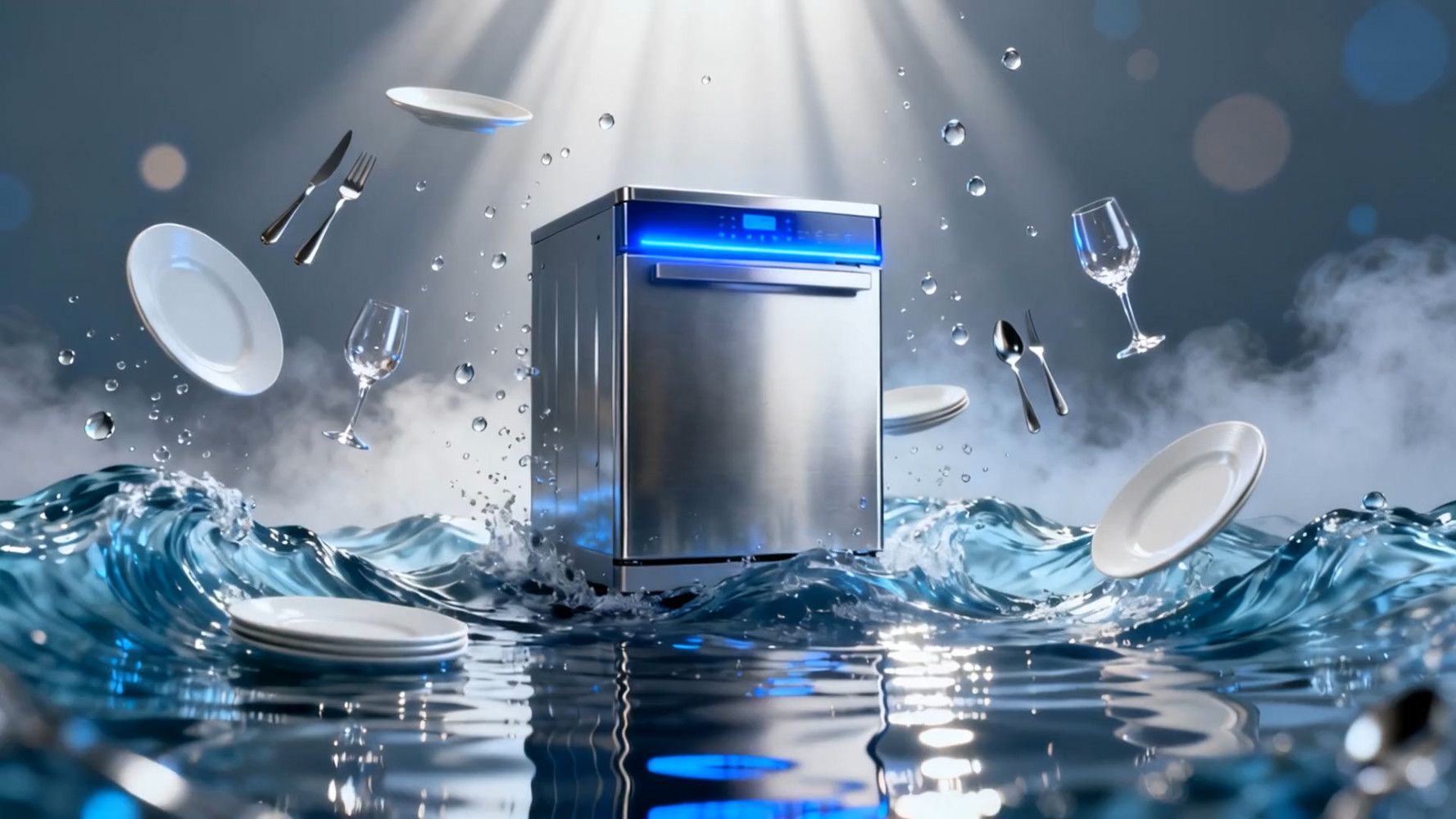
AI Video Generator with Temporal Consistency
Use TensorShots to generate videos with stable motion and frame-to-frame consistency. Perfect for ads, UGC content, and product visuals where coherence matters.
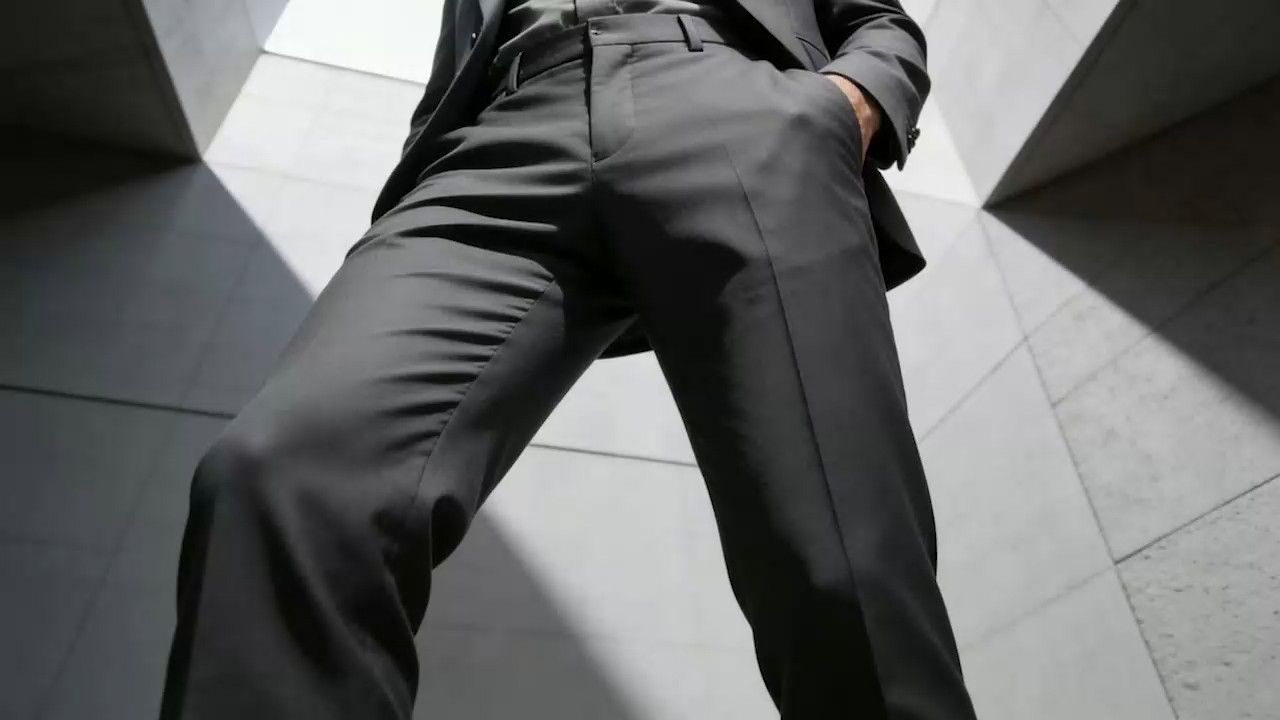
Control the Camera — Not the Other Way Around
Use TensorShots to define camera angles, movement paths, and framing that stay stable across scenes. Get the shots you plan, not the shots the model invents.
Explore more Products from TensorPix
AI Video Quality Enhancer
Upscale videos up to 4K and enhance overall quality. 100% online and easy to use.
Enhance VideosTensorShots
Auto Social Media Video Creator. Turn photos, clips, listings, and brand assets into ready-to-edit short videos for social media.
Create VideosReal Estate Video Maker
Quickly turn listing photos into polished real estate videos. Make listing videos without wasting hours in a video editor.
Create Listing VideoOnline Video Compressor
Reduce video file size without compromising quality. Save disk space, send, and upload videos faster.
Compress Videos4K AI Video Generator
Turn your ideas into 4K videos from text and image inputs using simple prompts. No technical expertise needed.
Explore NowUpscale and Enhance API
Add Video Enhancing into your app or product via API Integration.
Tell me MoreAI Image Generator
Generate photos, artwork, illustrations from text descriptions in 4K. Edit images with simple prompts.
Generate Now