How to Create MLS-Safe AI Property Videos Without Misleading Buyers
Learn how to create MLS-safe AI property videos without adding fake furniture, windows, views, or features that could mislead buyers.
9 minute read
Today, AI can turn listing photos into polished property videos quickly. It can add smooth camera movement, improve pacing, and make static images more engaging. But generative movement also introduces a serious risk: the AI may create details that were never present in the original property.
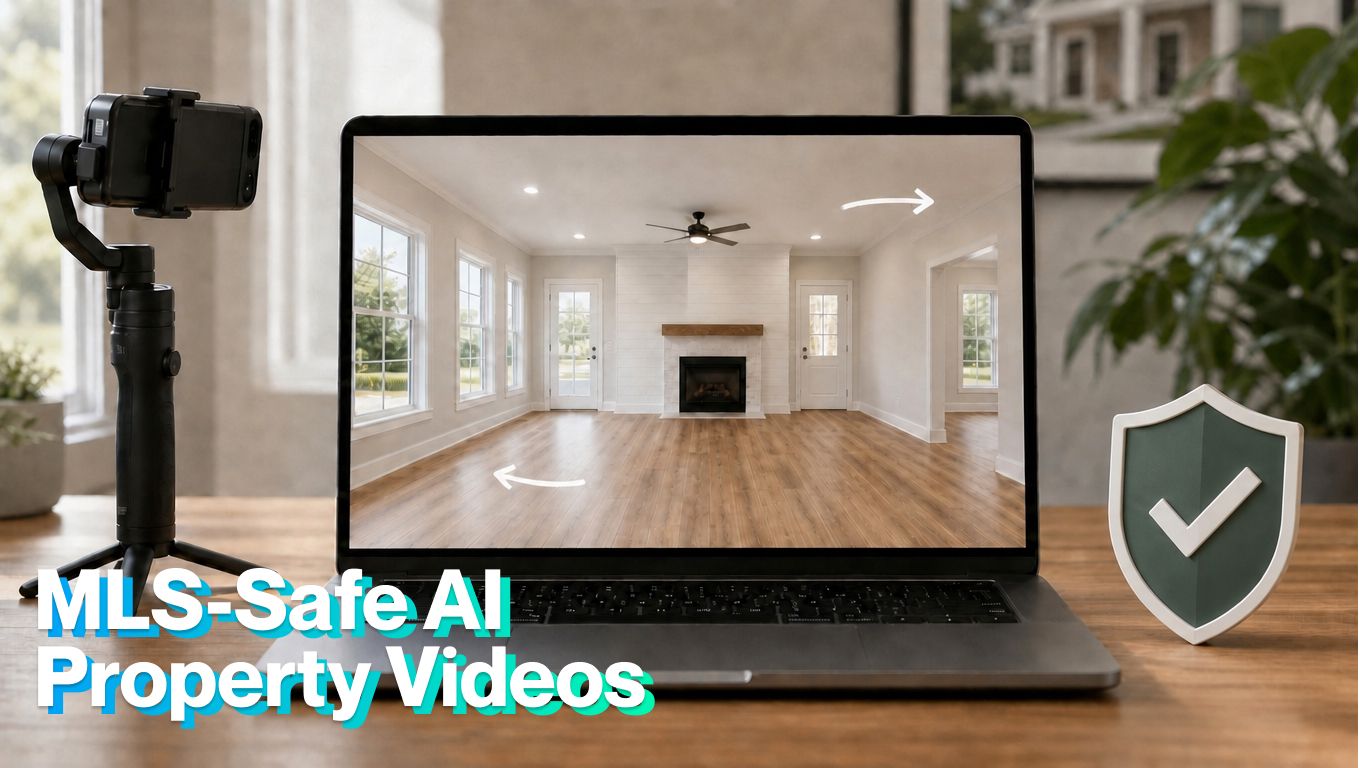
The goal isn't simply to make an impressive AI property video, but to create an MLS-safe property video that makes the real property easier to understand without changing what buyers are being offered.
What Does “MLS-Safe” Actually Mean?
An MLS-safe property video should accurately represent the property and follow the media, branding, disclosure, and hosting rules of the local multiple listing service.
There is no single national standard covering every MLS. One MLS may accept an uploaded video file, while another may require an unbranded virtual-tour link. Some allow disclosed virtual staging, while others place stricter limits on what can be altered.
The safest universal principle comes from Article 12 of the National Association of REALTORS® Code of Ethics: real estate advertising must be honest, truthful, and present a “true picture.” That means “MLS-safe” shouldn’t be treated as a visual style or export setting. It is a production process built around accuracy, disclosure, permissions, and a final human review.
Quick Guide: Which AI Property Videos Are MLS-Safe?
MLS rules vary by market, so always confirm your local MLS and broker requirements before publishing. As a general safety framework, the lower-risk uses are the ones that preserve the original listing material and avoid inventing property details.
| AI video use | MLS risk level | Why | Safer approach |
|---|---|---|---|
| Subtle zoom or slow push-in | Lower risk | The video stays close to the source image and doesn’t require the AI to imagine much new space | Use restrained motion and review the full clip frame by frame |
| Simple slideshow with light motion | Lower risk | It presents existing media without changing the property | Keep all captions, prices, room counts, and claims consistent with the listing |
| Adding removable furniture to a vacant room | Depends on MLS | This may count as virtual staging and can require specific disclosure | Label it clearly, include unstaged versions when required, and follow local virtual-staging rules |
| Moving through a doorway, around a corner, or into an unseen room | High risk | The AI may invent walls, doors, windows, room size, or layout details | Use a second real photo from that room instead of asking AI to create unseen space |
| Widening a room, or changing ceiling height | High risk | It can make the property feel larger or more functional than it is | Keep the original proportions and choose camera movement that stays within the visible frame |
| Changing flooring, cabinets, fixtures, or exterior views | Avoid | These are real property elements and may mislead buyers about what is included in the sale | Don’t change permanent features unless the listing will actually be delivered that way and the change is permitted |
| Removing damage, utility lines, neighboring buildings, stains, or obstructions | Avoid | It hides conditions that may affect buyer expectations | Keep visible property conditions intact |
| Branded video with agent name, logo, phone number, or CTA | Depends on MLS placement | Many MLSs restrict branding in certain video or virtual-tour fields | Create two versions: an unbranded MLS version and a branded marketing version for social, email, and landing pages |
Disclaimer: MLS rules vary by market. Treat this article as a practical safety framework, not legal advice or a substitute for your MLS, broker, state regulator, or legal counsel.
Why Generative Property Videos Can Create Compliance Problems
A conventional slideshow moves between complete photographs, while generative image-to-video tools work differently. They create new frames between the original images to simulate camera movement.
If the model doesn’t fully understand the room, it may fill missing visual information with something plausible.
Common AI-generated property errors include:
- Creating an additional window or doorway during a camera pan
- Widening rooms, hallways, and outdoor areas
- Changing flooring, cabinets, countertops, or fixtures
- Adding furniture that makes a room appear more functional
- Removing power lines, neighboring buildings, stains, or damage
- Changing the landscaping, façade, or exterior view
- Making appliances, doors, and architectural details shift between frames
- Showing an imagined space beyond an open door or window
These errors can be easy to miss in a short preview. They become much more obvious when a buyer pauses the video or compares it with the listing photos.
Virtual Staging Isn’t the Same as Fabricating Real Property
Two current examples show how local rules can differ. The US national baseline is the NAR Code of Ethics Article 12, which says real estate marketing should present a true picture. But the exact disclosure steps depend on the MLS, state, and local rules that apply to the listing.
For example, Stellar MLS virtual-staging rules allow certain virtually staged interior images, but require disclosure in the photo description field, the virtual-staging field, and the public remarks. The image still has to present a true picture of the property.
CRMLS digitally altered image guidance gives another example. Its 2026 guidance requires an original, unaltered image to appear immediately before or after the altered version, and the altered image must be labeled with terms such as “Virtually Staged,” “Digitally Altered,” or “AI Altered.” It also prohibits changing real property elements such as walls, windows, flooring, cabinetry, landscaping, fixtures, floor plans, exterior views, utility poles, and neighboring properties unless the property will actually be delivered that way as part of the sale.
A Safer Approach to AI Property Video Creation
The safest AI real estate video doesn’t try to redesign the home. It uses AI to present real listing material more effectively.
Start with accurate photographs taken from useful angles. Use restrained movement that stays within the visible frame. A slow push-in, controlled zoom, or subtle lateral movement gives the image depth without forcing the AI to imagine large unseen areas.
Wide pivots, dramatic pullbacks, and movements through doors or around corners are riskier. They require the model to generate more of the room, increasing the likelihood of fabricated features.
When more movement is needed, provide a second photograph of the same room from a compatible angle.
Most importantly, watch the complete video frame by frame before using it in an MLS listing.
MLS-Safe Property Video Checklist
Before exporting an MLS-ready video, confirm the following:
- Every window, door, wall, fixture, and structural feature matches the property.
- Room sizes and ceiling heights haven’t been visually exaggerated.
- Permanent damage, utility lines, neighboring buildings, and exterior conditions remain visible.
- Furniture or décor hasn’t been presented as included with the sale.
- Price, address, bedrooms, bathrooms, and square footage match the listing.
- No unsupported claims appear in captions or voiceover.
- Any permitted virtual staging is disclosed according to local requirements.
- The video doesn’t contain agent branding when the MLS requires unbranded media.
- You have permission to use the photographs, music, logos, and other assets.
- The export format, file size, hosting method, and link comply with your MLS.
Never rely on an AI tool’s “compliant” label as the final decision. Your broker and local MLS remain the best sources for the rules that apply to a specific listing.
How to Create MLS-Safe Property Videos With TensorPix
TensorPix Real Estate Video Maker is designed to turn existing listing photos and property details into reviewable real estate videos. The workflow starts with the real listing assets instead of asking AI to invent a property from a text description.
Here is a practical MLS-safe workflow:
1. Prepare the Original Listing Photos
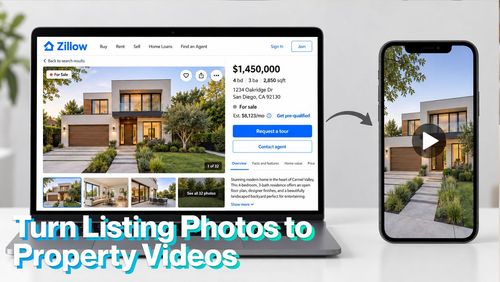
Use high-quality photographs that accurately show the property or link them directly from Zillow. Avoid altered images unless the changes are permitted.
2. Enter and Verify the Listing Details
Log on the platform. Add the price, location, room count, square footage, amenities, and approved highlights. Keep the wording factual and avoid claims the photographs or listing data can’t support.
3. Choose Controlled Motion
Favor slow zooms, light pans, and gentle push-ins. Avoid dramatic movement through doors or into unseen areas.
4. Select Music and Optional Voiceover
Keep the narration grounded in verified listing facts. Avoid implying that virtually staged furniture, a future renovation, or a nearby amenity is included with the property.
5. Generate and Inspect the Draft
TensorPix Real Estate Video Maker creates the first video draft, but the agent remains responsible for approval. Check transitions, room geometry, windows, doors, reflections, furniture, landscaping, captions, and voiceover.
6. Make Corrections Before Export
Remove any shot containing an AI artifact or fabricated detail. It is better to use a simple photo movement than retain a visually impressive but inaccurate scene.
7. Make Corrections Before Export
Remove logos, agent details, contact information, and CTAs when your MLS requires unbranded media.
8. Export Branded Marketing Versions
Create separate versions for social media, email, listing pages, and seller updates while keeping the property accurate.
Final Takeaway
An MLS-safe property video can still feel polished and cinematic. The difference is that the movement, captions, and visual details stay grounded in the actual listing. That protects buyers from false expectations, sellers from avoidable disputes, and agents from preventable reputation damage. Use AI for speed and presentation, but keep accuracy, disclosure, and final approval in human hands.