AI real estate marketing: Turn listing photos to property videos
Explore practical AI real estate marketing ideas and learn how to turn existing property photos into listing videos for social media and buyer follow-ups.
8 minute read
The listing photos are ready, but the marketing work is still ahead. You need a property description, social posts, a listing video, and an open-house announcement, each with the right details for its audience and channel. AI real estate marketing can help turn those existing photos and verified property details into reusable content. This guide walks through choosing the strongest images, building a property video, and adapting it for social media or listing pages.
When is photo-based video the right choice?
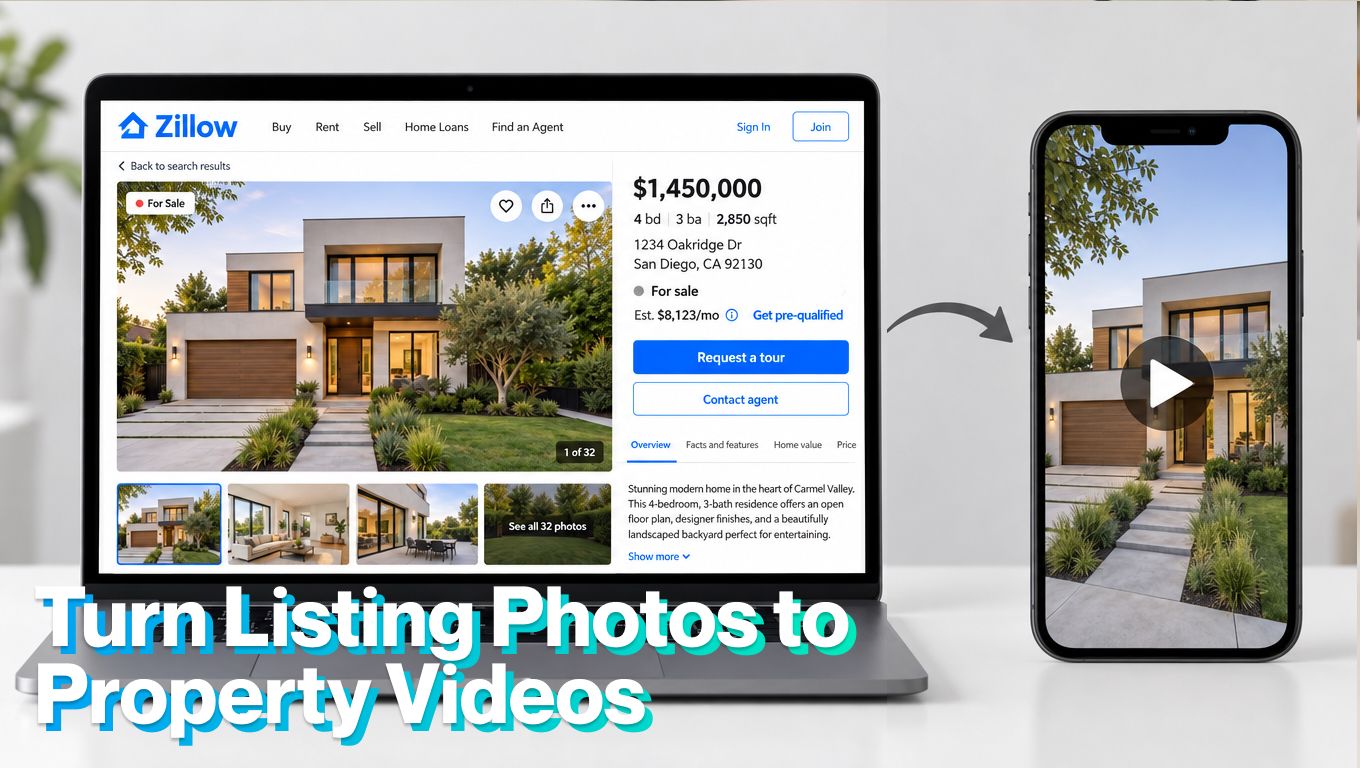
Photo-based video works best when accurate, current images already show the property clearly. Use the guide below to decide whether those photos are enough or whether the campaign needs additional footage.
| Listing or campaign | Is photo-based video suitable? | Best use | When to add or choose filmed footage |
|---|---|---|---|
| Standard listings | Yes, when photos cover the main rooms and features. | Listing introductions, social posts, and property-page presentations. | When movement would help explain room connections or a standout feature. |
| Rentals | Yes, with current photos of the actual unit. | Quick tours highlighting layout, amenities, and availability. | When photos leave access, condition, or room size unclear. |
| Urgent campaigns | Yes, when accurate photos are already available. | Coming-soon posts, open-house previews, and price updates. | When the available images no longer represent the property. |
| Remote-buyer marketing | Useful as an introduction. | A narrated overview paired with a floor plan and verified details. | Add a filmed or live walkthrough so buyers can inspect layout, condition, and surroundings. |
| Luxury homes | Useful for teasers and campaign variations. | Feature-focused clips and follow-up content. | Choose professional footage when craftsmanship, scale, setting, or an agent-led presentation is central to the campaign. |
| Complex layouts | Limited as a standalone tour. | A photo overview supported by a clearly labeled floor plan. | Use a continuous walkthrough to explain split levels, unusual circulation, or separate buildings. |
| Outdated photography | No, until the images are updated. | Reuse only images confirmed to represent the current property. | Arrange new photography or filming after renovations, damage, or other material changes. |
| Properties needing aerial context | Only as a supporting format. | Combine interior photos with current, authorized aerial images. | Use genuine drone footage to show grounds, access, setting, and surroundings. |
Build a verified listing brief
Before creating a real estate marketing video, gather the facts that will guide it: the property’s layout, condition, amenities, location, asking price, and confirmed viewing details. Identify one or two features that deserve attention, such as a generous garden, a practical layout, or convenient transport access.
The useful question: what would someone appreciate about living here that they might miss in a quick scroll?
Use those details to connect the visuals with the message. A garden-focused video might open with outdoor photos, then show the living spaces nearby. Narration or captions can explain verified details that the images cannot, such as recent improvements.
AI can help organize the brief and draft scripts or captions. Check its suggestions against the listing, then use the approved information across your campaign.
Choose photos that tell a clear story
Most agents know the feeling: a folder full of good photographs, several nearly identical kitchen angles and a decision about which image deserves to go first.
A useful sequence helps buyers understand the home. An exterior establishes the setting, followed by the main living area, kitchen, bedrooms and outdoor spaces. The strongest order depends on the property and its actual layout.
AI can suggest a sequence or flag repetitive images, but the final selection needs human judgment. A technically beautiful photograph is not always the one that best explains the space.
Once that selection is ready, the same images can become the foundation of a listing video.
Create property videos from existing photos
Photo-based video creation allows agents to expand a campaign without arranging a separate filming session for every listing. Existing images can support movement, narration and versions for different channels.
Consider a home with a generous garden. A short real estate marketing video could open with the exterior and outdoor space, then introduce the living room and kitchen. Where the images support it, the sequence can show how those spaces connect. Narration can explain useful details that are not immediately obvious.
This is especially helpful when the schedule is tight. The photos arrive, the listing is ready, and an open house is approaching. Creating a video from those assets gives the campaign another way to reach buyers while the property is still fresh on the market.
How to make a listing video with TensorPix
TensorPix Real Estate Video Maker turns property photos and listing information into videos with optional voiceover and music.
The workflow follows the materials agents already have:
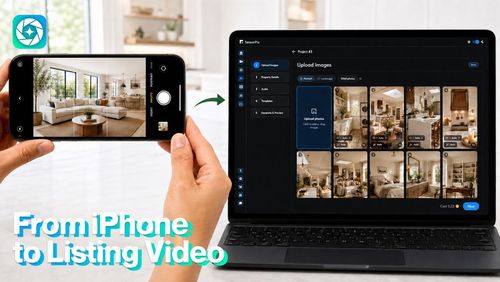
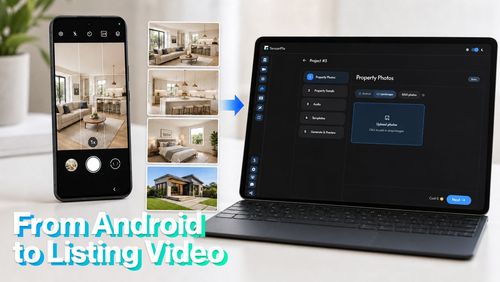
- Upload the strongest property photos.
- Enter accurate details, including price, layout and amenities.
- Choose optional voiceover and background music.
- Add branding and property or contact information.
- Generate the video and review the visuals and wording.
- Export a version suited to the intended channel.
The time saving becomes more useful when those assets support several pieces of content. One photo collection can provide the basis for a listing introduction, an open-house preview and a follow-up video.
Adapt each video to its marketing channel
Reels, TikTok and YouTube Shorts
Open with a feature viewers can understand immediately: a terrace, a bright living area or an unusual architectural detail.
Keep the message focused. A short video only needs to give someone a worthwhile reason to explore the listing. Trying to fit every feature into it can make the property harder to remember.
Property websites
Give viewers more time to understand the room sequence, layout and setting. A longer presentation can sit alongside the photo gallery, floor plan and description.
Someone who has reached the property page is likely to have different questions from someone casually scrolling. Help them inspect the home rather than rushing through it
Email and buyer follow-ups
Use a video that reinforces the features discussed during an inquiry. A buyer who asked about outdoor space may appreciate a presentation that gives the garden and terrace more attention.
That small adjustment makes the follow-up feel relevant. It shows that the conversation has carried into the material being shared.
Open-house promotion
Combine a short property preview with the confirmed date, time and contact details.
The existing photos remain useful even as the message changes. A listing introduction can become an open-house announcement without another visit to the property or a new shoot.
Keep AI property videos accurate
A polished video should still feel familiar when the buyer walks through the front door.
Check that generated movement preserves room proportions, windows, doors and other property features. Verify the narration against the listing details, and clearly identify virtually staged scenes.
A property video should help buyers understand the home they will actually visit. Before publishing, review the visuals and wording against the original photos and verified listing details.
- Preserve the property’s features. Generated motion must not change room proportions, layouts, windows, doors, views, finishes, or visible condition.
- Keep room connections truthful. Use a simple cut between photos when a generated transition would invent a doorway, corridor, or route through the home.
- Disclose material edits. Clearly label virtually staged or materially altered scenes where viewers will see the label. Disclosure does not make an inaccurate representation acceptable.
- Check every scene against its source. Watch for distorted fixtures, disappearing objects, altered surfaces, or invented details. Regenerate or remove scenes that misrepresent the property.
- Verify all spoken and written information. Check narration, captions, prices, viewing dates, amenities, and contact details before each export.
- Check the rules for each destination. Confirm the applicable listing-platform, MLS, and local advertising requirements, including disclosure and branding restrictions.
Keep the original photos available, and have someone familiar with the property approve the final video.
Conclusion
The most useful lesson from early AI property experiments is how much progress comes from organizing information and carrying it through a clear workflow. For real estate marketing, that means identifying the property’s appeal, choosing the right photos and adapting the message to each channel. AI tools reduce the production work between those steps, while providing prospective buyers more ways to discover and understand the home.