The real bottleneck in AI video? Why smart teams start with storyboards
Discover why AI storyboards help teams create ads and UGC faster. Learn how structured visual planning improves consistency and reduces costly rework.
6 minute read
AI video generation has become dramatically faster. What is still lagging is alignment.
For most teams producing online ads, UGC content, or short-form campaigns, the real bottleneck is not rendering speed. It is getting everyone to agree on what the video should look like before production begins. Creative direction shifts. Messaging evolves. Clients request changes late in the process. Teams end up regenerating footage that was never properly locked in the first place.
Serious creators are no longer asking only how to generate motion faster. They are asking how to reduce uncertainty earlier in the workflow.
The hidden bottleneck in AI video production
In traditional production, storyboards exist for a reason. They reduce ambiguity before expensive work begins. They allow teams to validate structure, pacing, and visual intent before committing to full execution.
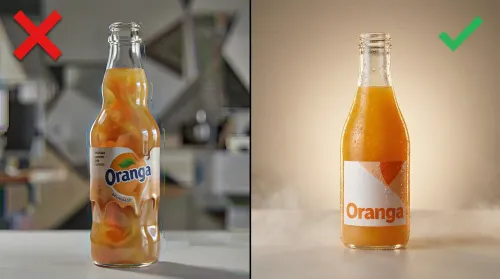
When teams jump straight into text-to-video or image-to-video generation, the first output often looks directionally promising but structurally wrong. Camera framing may not match the platform, and product placement may feel off.
At that point, speed becomes irrelevant. The team is stuck in a loop of regeneration and revision.
Why jumping straight to video wastes time
The appeal of going directly from prompt to video is obvious. It feels efficient and modern. In reality, it often creates more work.
Without a validated storyboard, each generated clip becomes a moving target. A small change in messaging can invalidate multiple shots and force teams to rebuild entire sequences. Maintaining consistency across versions becomes difficult because the visual structure was never fully locked.
Many teams only discover this after several frustrating cycles. The pattern is predictable: generate first, fix later. Over time, the supposed speed advantage of AI begins to erode under the weight of manual corrections and creative drift.
How modern teams use AI storyboards first
More experienced content creators have begun to reverse the order.
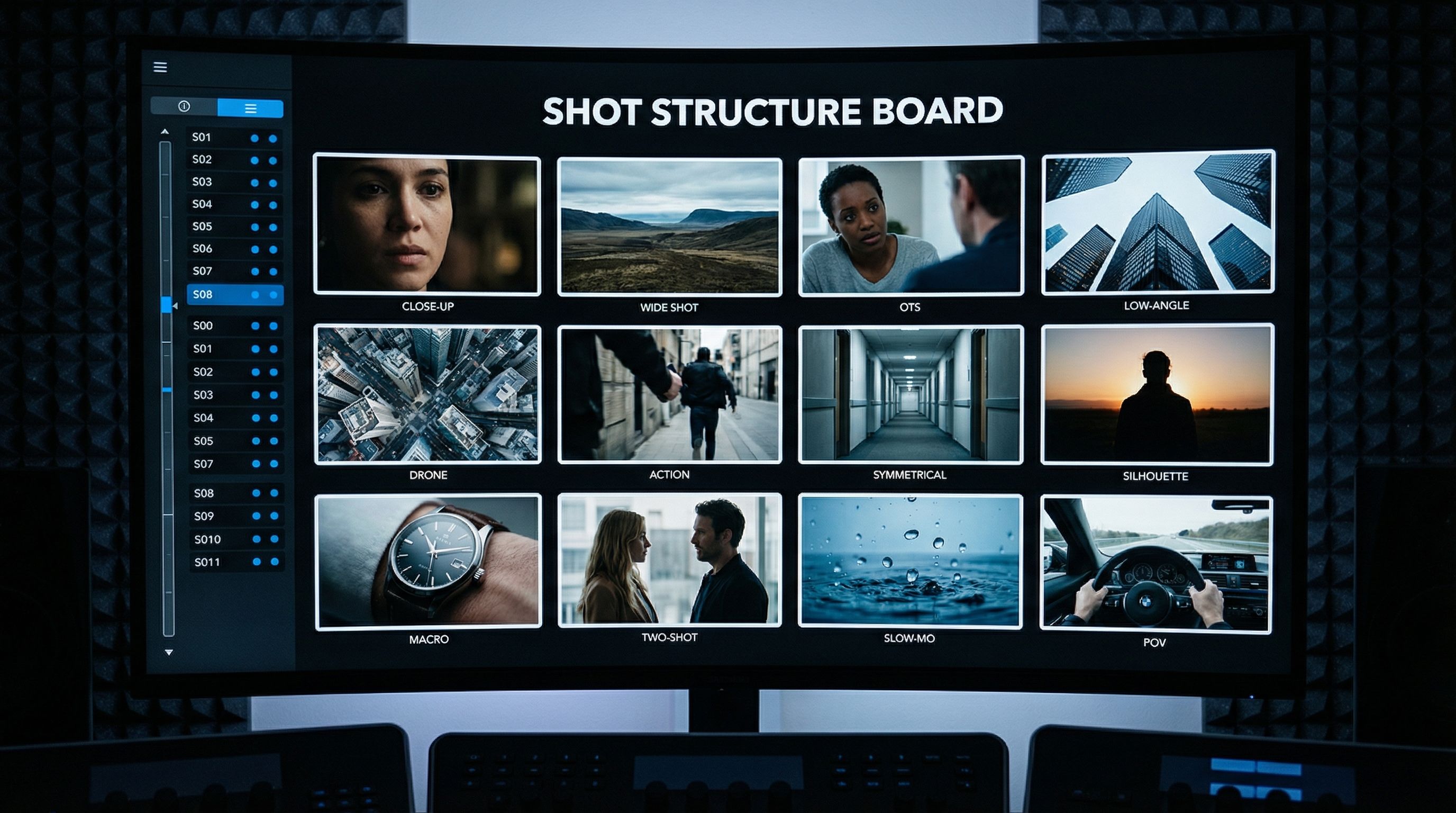
Instead of generating motion immediately, they start by building visual structure. Conventional black-and-white storyboard frames, rough moodboards, and reference compositions are used to validate the idea before the AI video generator does the rest.
Only after the sequence feels right does motion enter the process. Short-form content may move quickly, but it still benefits from structured planning.
What makes an AI storyboard actually usable
Not all AI storyboard outputs are equally useful. For a storyboard to work in real production, it must do more than generate attractive frames.
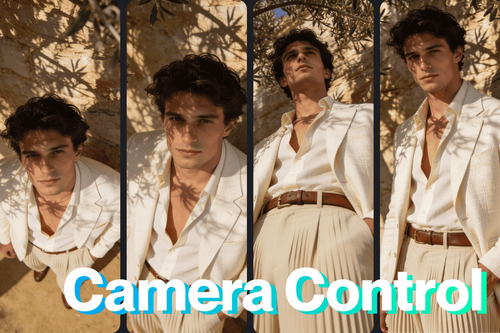
First, the frames must preserve visual clarity. Each shot should communicate composition, subject placement, and camera intent without ambiguity. Over-stylized or vague frames slow teams down rather than helping them.
Second, the structure must support sequencing. Storyboards are not isolated images. They are a visual plan. Teams need to understand how one shot flows into the next and whether the pacing fits the target platform.
Third, character and product consistency must hold across frames. In ads and UGC contexts, even small identity drift can create downstream problems during animation and editing.
Fourth, the storyboard must remain editable. Creative teams rarely get the sequence right on the first pass. They need the ability to adjust framing, swap elements, and refine scenes without restarting the entire process.
These factors separate novelty storyboard generators from production-ready tools.
From storyboard to ads and UGC at scale
When storyboards are done well, they unlock something more valuable than visual planning. They enable scale.
A validated sequence can be adapted into multiple formats without starting from scratch. Vertical, square, and widescreen versions can be derived from the same structured plan. Campaign variants can be generated faster because the core visual logic is already defined. One strong concept can evolve into TikTok cuts, Instagram versions, YouTube placements, and iterative campaign variations without rebuilding the entire creative foundation each time.
Where TensorShots fits in this workflow
TensorShots is built around the idea that AI video should begin with structured visual thinking first, instead of conventional trial and error random generation which is by far more expensive.
The platform combines storyboard creation, visual anchoring, and sequence editing all in one tool so that teams can move from concept to motion without losing alignment, at the same time contributing to better control of AI video generation from zero to final output.
Hands-On: Creating a Client-Ready AI Storyboard in TensorShots
Here is how to use TensorShots AI-native video generator and its storyboard.
Log on to the platform. From the menu select TensorShots by going to the Start Now button.
- Start the New Project, you will be directed to the onboarding panel where you initially setup your project.
- Within Project Description, provide more details about your project, product or service and its features, benefits and use cases.
- Optionally provide details about the Target Audience.
- Select duration of the video clip you want to generate, following format selection between the most common ones (i.e., vertical, square, portrait or widescreen).
- Add a reference image that captures the theme of your project in the best possible way.
- Optionally, you can add brand guidelines (i.e., tone, style, colors and other features from the brandbook), and some extra description if necessary. Hit Create Hook.
- Select Hook, which will be later on guiding your video towards AI native video creation. Also you may choose between different voiceovers available in the menu next to the hook selection. Once done, go to the Script/Storyboard making section.
- Choose from the given Voiceover scripts, or ask TensorShots to generate more. Of course, you can edit the generated scripts until you are satisfied with the outcome. Go to Create Storyboard.
- This is where you can add, crop or change frames of your videos. Each shot is completely customizable, and you can change the camera angle, objects, lighting, background. Before creating a video for the shot, start with selecting the first and optionally last frames of the video. It helps you to envision how the beginning and ending of the static video frames will look rather than directly going into video generation.
- When the storyboard and shots meet your expectations, proceed to the Export button. You can optionally add background music and adjust audio levels, then use the quick preview to review the full sequence. Once everything looks correct, export the final cut and allow TensorShots to render the video in the selected format and duration.
Conclusion
AI has made video generation faster. It has not made creative alignment optional.
Content creators that jump straight to motion often find themselves rebuilding work that could have been clarified earlier. Using a storyboard first tends to move with more confidence, more control and less friction.