Why image-first workflows beat text-to-video in AI video creation
Learn why creators use image-first workflows instead of text-to-video. Improve consistency, continuity, and the production-ready quality of your AI videos.
6 minute read
Text-to-video is often the first workflow experience when exploring AI video. It feels immediate and quite expressive. You type a sentence, press generate, and a moving image appears. For experimentation and inspiration, this is genuinely impressive.
The problem appears when creators try to turn clips into something real.
This is not a failure of creativity, text-to-video is optimized for demonstration.
The promise and the limit of text-to-video
Text-to-video works best when expectations are low and constraints are minimal. It excels at generating short, standalone moments where quick ideas are more important than consistency. That is why prototyping looks impressive and why early experiments feel exciting.
But text is an imprecise control mechanism. A sentence must describe identity, composition, camera behavior, lighting, motion, and style all at once. Even a detailed prompt leaves enormous room for interpretation the moment you try to:
- Reuse the same character across scenes
- Repeat a camera angle intentionally
- Maintain visual rhythm across cuts
- Build a narrative instead of a moment
You are no longer asking the AI video generator to imagine something new. You are asking it to remember something specific. Text is not good at enforcing memory.
What text prompts cannot reliably lock
Most frustration with AI video comes from expecting text prompts to behave like production constraints. They are not designed for that role.
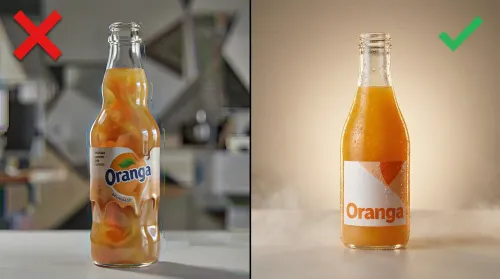
Text struggles to lock identity. Repeating a character description does not guarantee the same face, proportions, or details across shots. Text also struggles to lock composition. Even when framing is described clearly, spatial relationships are often reinterpreted on each generation. Motion is even harder to control, as camera movement and timing are difficult to encode precisely in language.
None of this means text is useless. It means text is insufficient on its own when consistency matters.
How serious content creators actually work today
Once creators move past initial experimentation, their workflows begin to change in predictable ways.
They start from images.
Moodboards, reference frames, key visuals, and storyboards become the foundation. Motion comes later. Text prompts are still used, but they are no longer responsible for carrying the entire structure.
Why images change everything
An image collapses interpretation instantly. Where text must describe composition, an image shows it. Where text tries to explain identity, an image defines it. Where text hints at mood or lighting, an image anchors it visually.
This is why image-first workflows feel more stable, as the model is no longer guessing what you mean.
Once an image is in place, motion becomes an extension of an existing structure instead of an act of invention. Variability is reduced before generation even begins.
Volume beats perfection in modern AI workflows
Another pattern that emerges among advanced users is a shift away from chasing a single perfect generation. Instead, content creators work in batches.
Multiple concepts are generated in parallel, then evaluated quickly. One strong result is selected and refined, while the rest are discarded. This approach consistently outperforms trying to perfect a single shot through endless regeneration.
Once a strong base exists, content multiplication follows naturally. A single successful generation can be adapted into multiple formats for different platforms, extended into variations, or reused as part of a broader series. Image-first workflows make this possible because the underlying visual identity remains stable.
Where TensorShots fits in this evolution
TensorShots does not invent this approach. It formalizes it by making it simplified to relieve creators of boring tasks and provides them with more time to think creatively.
The platform is designed around the same principles serious creators already use: visual anchors first, structure before motion, and controlled variation using text-to-video prompts in an innovative way rather than uncontrolled generation.
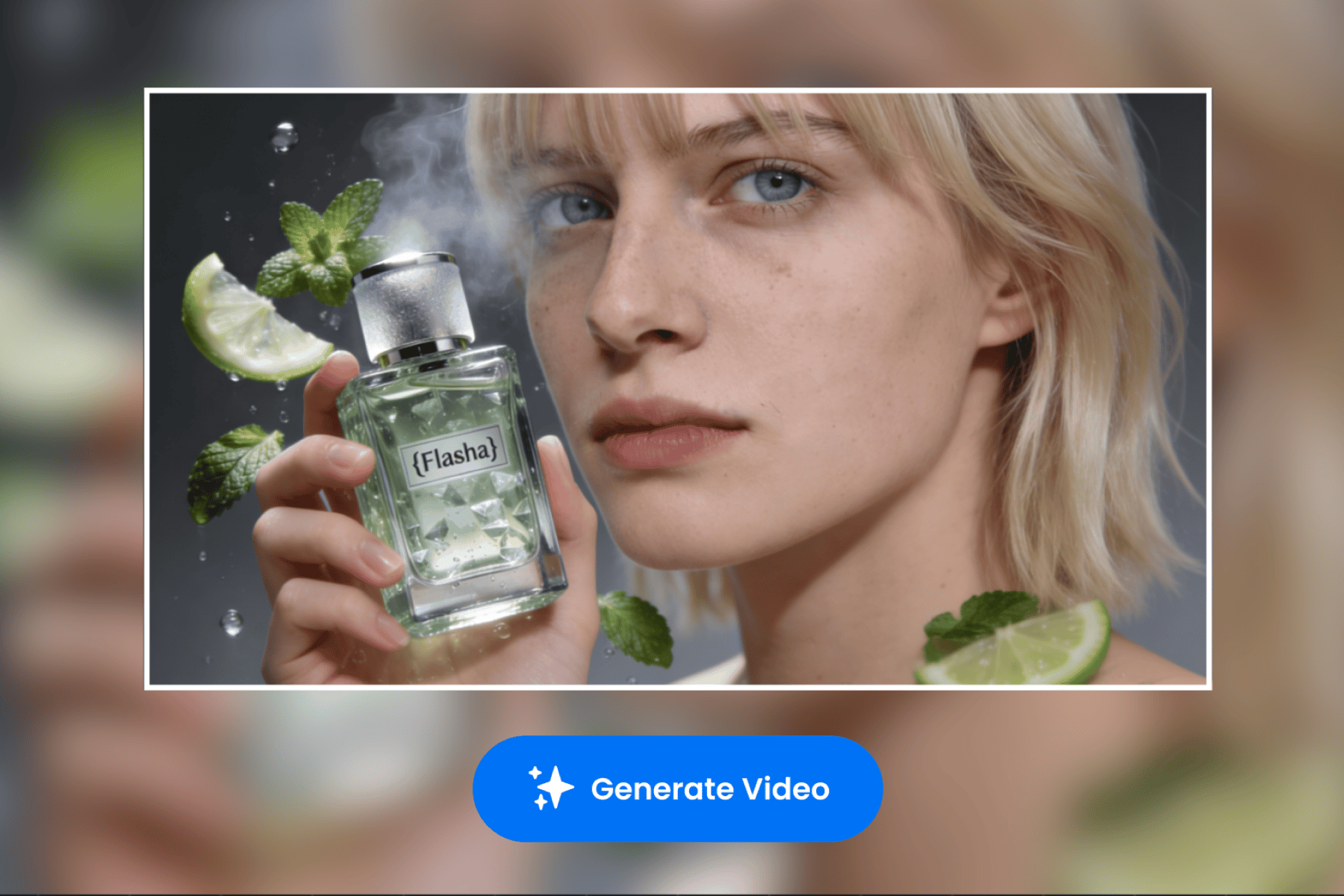
Here is how to use TensorShots AI-native video generator using image-first workflow which is essential to achieve good results, yet combining advanced text-to-video control using advanced prompting.
Log on to the platform. From the menu select TensorShots by going to the Start now button.
- Start by clicking the New Project button, you will be directed to the onboarding panel where you initially setup your project.
- Within Project Description, provide more details about your project, short film, or product or service advertisement and its features, benefits and use cases.
- Select duration of the video clip you want to generate, following format selection between the most common ones (i.e., vertical, square, portrait or widescreen
- Add a reference image that captures the theme of your project in the best possible way.
- Optionally, you can add brand guidelines (i.e., tone, style, colors and other features from the brandbook), and some extra description if necessary. Hit the Create Hook button.
- Select the hook, as the image-to-video anchor guiding your video towards AI native video creation. Also you may choose between different voiceovers available in the menu next to the hook selection. Once done, go to the Script making section.
- Choose from the given Voiceover scripts, or ask TensorShots to generate more. Of course, you can edit the generated scripts until you are satisfied with the outcome. Go to Create Storyboard.
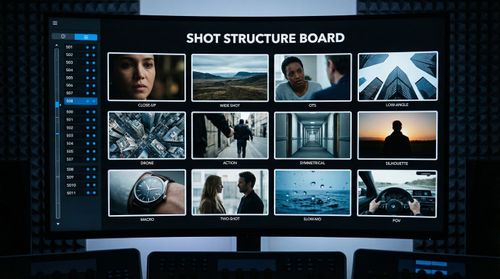
- This is where you can add, crop or change frames of your videos. Each shot is completely customizable using text-to-video workflows in combination with TensorShots tags. You can change the camera angle, objects, lighting, background, and much more.
- When the storyboard and shots meet your expectations, proceed to the Export button. You can optionally add background music and adjust audio levels, then use the quick preview to review the full sequence. Once everything looks correct, export your project to the final cut.
Conclusion
Text-to-video will always be valuable for exploration and inspiration. But when the goal is consistency, continuity, and production-ready output, image-first workflows will prevail because they reduce uncertainty before motion exists.